
Solution · Fair-use limits
Cool-downs that follow the person, not the login.
Some products let people sign in many times, then say 'try again later' once usage adds up. Darkmeter gives you that behaviour per person.
What you are seeing
How do we say come back later, and have it stick?
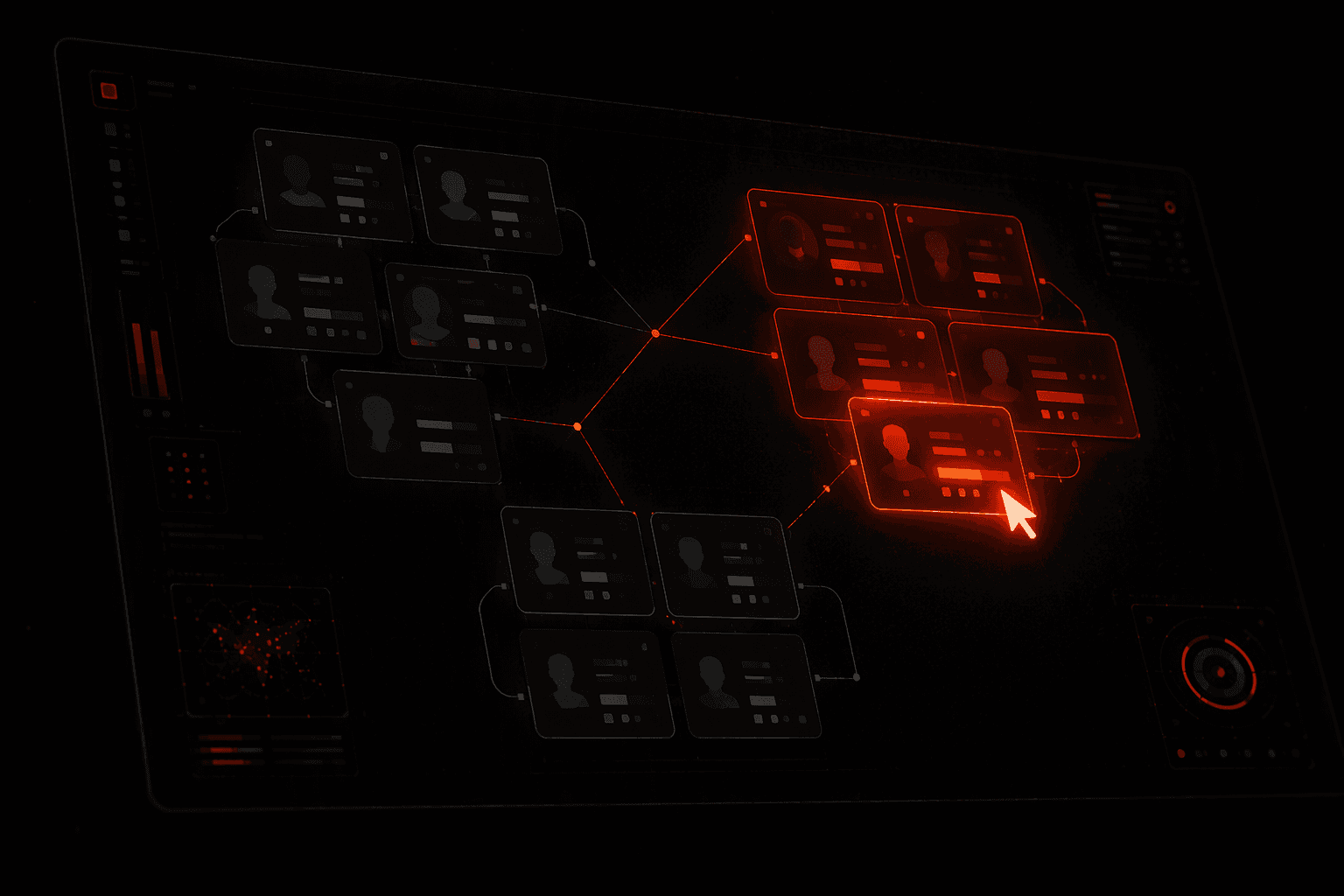
Limits tied to an account reset with every new email. Limits tied to a person and their device do not.
- Limits reset every time someone makes a new account.
- A few heavy users use most of the free capacity.
- You want to slow people for a while, not ban them.
- Your try-again-later message has no honest time on it.
Along the whole flow
A day of use
Darkmeter sits at four points along the way. Each one is a call your backend already makes, and a decision you control.
1 · Light use
Requests come in, each reported with its credits.
Adds every account on the device into one meter.
Usage GuardAllow3 · Pause
The cap is reached.
The next gate check returns cooldown and a retry time.
Usage GuardCool down4 · Resume
The pause ends after the time you chose.
Use can continue in a fresh window.
Usage GuardAllow
Case by case
The situations you will actually meet.
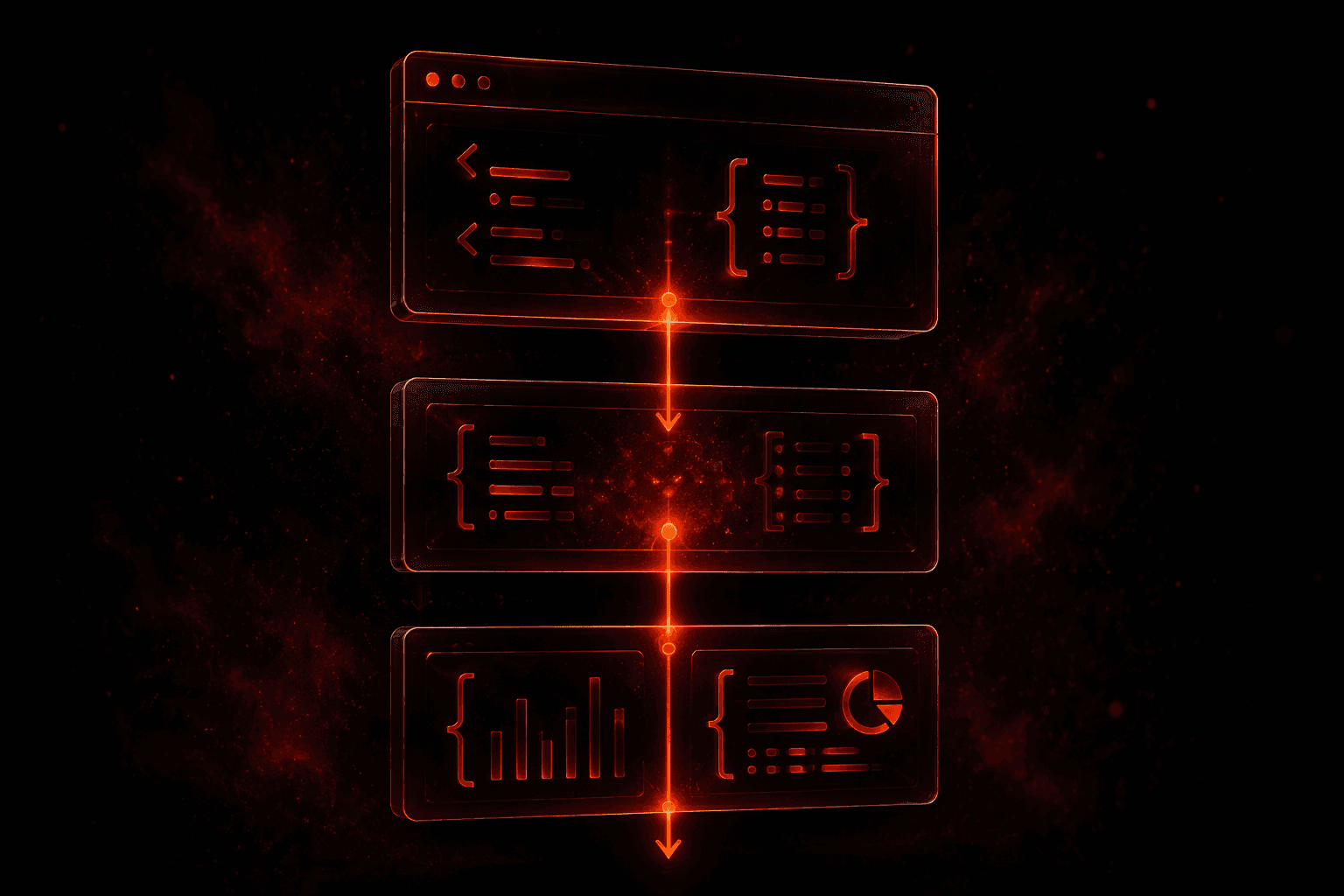
Pick one. See the call your backend makes, what Darkmeter answers, and what the person is shown.
Your backend ⇄ Darkmeter
Illustrative situations and wording. Verdicts and reason names are a preview of the planned API.
Before and after
A busy afternoon, twice
An illustration, not a measurement: the same events, with the decision made at the right moment.
Without Darkmeter
- A few heavy users run through the free capacity.
- You cap each account.
- They make new accounts.
- The limit never holds.
With Darkmeter
- A few heavy users run through the free capacity.
- Their device reaches your cap.
- It pauses for the time you chose.
- New emails share the same pause. Light users never notice.
Questions
Bring us your free tier.
Tell us how your free tier works and where it leaks. We will map it to the four points above.